GETTING ORGANISED
What to keep in your pet’s records
Keep pet details, vet visit records, documents, contacts and observations in places you can find again. A practical guide to Kodu’s Passport.
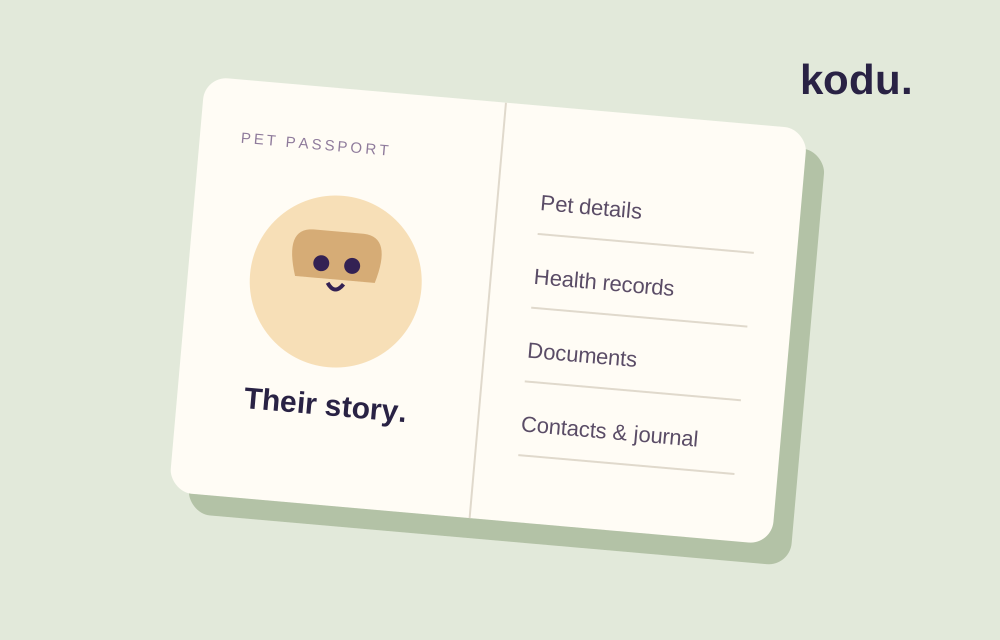
A pet’s information can end up in several places: a clinic email, a paper record, a note on your phone and a photo of a document. Give each kind of information a place you would expect to find it later.
Kodu’s Passport connects pet details, health, documents, contacts and the journal. These sections have different jobs.
Pet details: the basics
Keep the pet’s name and identifying details together. Kodu’s profile includes species, breed, sex, age, weight, microchip and tattoo fields. Enter information you know and review it when it changes. Keep original identification documents too; an app profile is not a replacement for an official record.
Health: what happened at the visit
After a veterinary appointment, record the date, veterinarian, reason for the visit and the instructions provided. Kodu’s visit record has places for diagnosis, treatment, vaccinations and notes. Copy professional instructions accurately and ask the clinic to clarify anything uncertain.
Do not turn an observation into a diagnosis in your notes. “Did not finish breakfast” records something you saw; a medical conclusion is something to discuss with a veterinarian. Kodu is an organiser, not a diagnostic service.
Documents: the original file
Give documents names that include a meaningful subject and date. Keep an independent copy of anything essential, particularly before deleting an app or changing devices.
Local files and cloud records are different. Restoring a subscription does not itself recover every file on a previous phone. Check what has synced or downloaded rather than assuming a successful purchase means all your records are present.
Contacts: who you need to reach
Keep the clinic’s name and contact details together. Review phone numbers when a clinic or caregiver changes. Add information about other people only when you have an appropriate reason and avoid details not needed for care.
Journal: observations and memories
Use the journal for what happened on a particular day. A clear title and a short account are easier to find later than an unexplained sentence. In Kodu, Planner and Passport show the same journal: Planner follows the day, and Passport follows the pet. You can write an entry for a past day and edit it later.
Before an appointment
- Check the pet’s current details.
- Find previous visit notes relevant to the appointment.
- Have original documents available.
- Write down observations and questions you want to discuss.
- Keep the clinic’s advice separate from your own notes.