CHECKLISTS
The pet sitter handover checklist
A practical handover for the person looking after your pet: meals, walks, useful contacts, where things are and how to record what’s done.
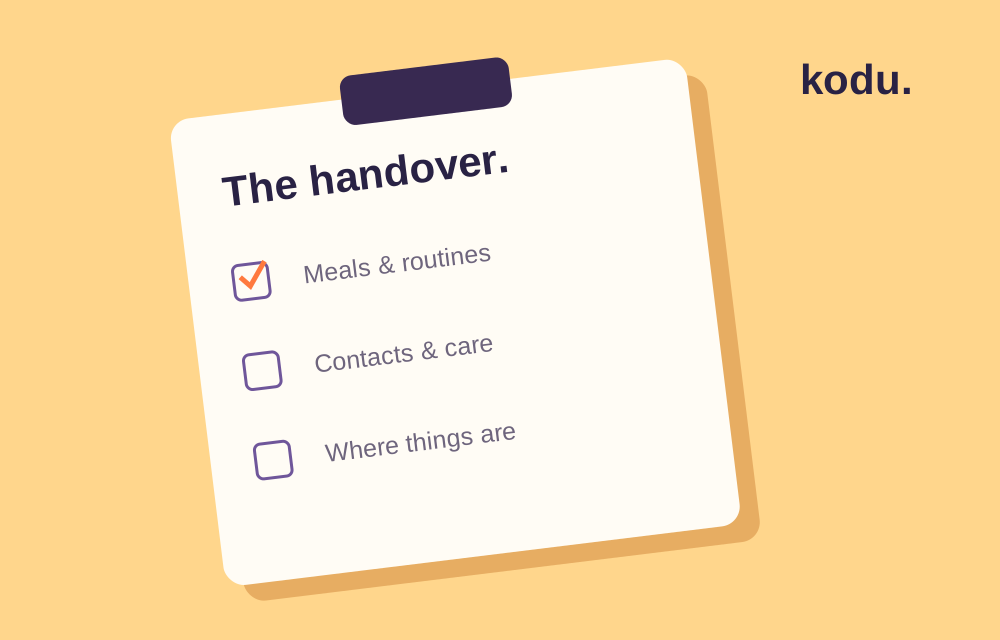
Before someone looks after your pet, write down the information they would otherwise have to ask you for. A useful handover describes your pet’s actual day, shows where to find essentials, and makes it clear who to contact.
Use our printable pet sitter checklist. Fill it in and print it, or save it as a PDF from your browser.
Write down the daily routine
List each meal and walk with the usual time. For meals, record the food, amount and where it is kept. Describe the routine your pet already follows; a sitter should not have to infer quantities from an empty bowl.
Include other tasks that matter for your animal: fresh water, litter or enclosure cleaning, and the usual play routine. Distinguish a task that happens every day from something due on one specific date.
Show where things are
Walk through the space together if possible. Point out the food, bowls, lead or carrier, cleaning supplies, documents and any items your sitter will need. Explain how doors, gates and locks work. Keep access codes out of a publicly shared checklist.
Keep instructions specific
“Dinner at six” leaves fewer questions when it includes which food, which bowl and where to find it. Note habits that affect the handover, such as a hiding place or an unfamiliar sound your pet avoids. Describe observations rather than guessing what they mean.
For prescribed care, leave the veterinarian’s written instructions and original packaging. Ask the sitter to clarify anything uncertain before you leave. This checklist does not set medication doses, feeding requirements or treatment plans.
Leave a contact plan
Include your number, a backup contact and the usual veterinary clinic’s details. Agree what the sitter should do if you cannot be reached and how decisions will be authorised. Confirm the clinic’s current opening arrangements directly with the clinic.
Agree how to mark care as done
Choose one record everyone uses. In Kodu Pro, an owner can invite up to two caregivers to a Care Circle so shared tasks and history stay together.
Ask the person who completes a task to mark it then. If a device is offline, tell the next person directly about anything that cannot wait for sync. The app supports the handover; it does not confirm that someone has seen a change.
Before you leave
- Check the next day’s tasks together.
- Make sure the sitter can find supplies and records.
- Confirm contact numbers and the backup plan.
- Agree how often you want an update.
- Share only the personal information the sitter needs.